Reads your device’s local CalendarProvider — no REST API, no OAuth, no cloud call. Events already on your phone get imported locally. CalendarProvider-only, always on-device.
CalendarProvider · No Cloud
02
Precise Reminders
Exact alarms via AlarmManager. View or Snooze 10 min. Rescheduled after reboot.
03
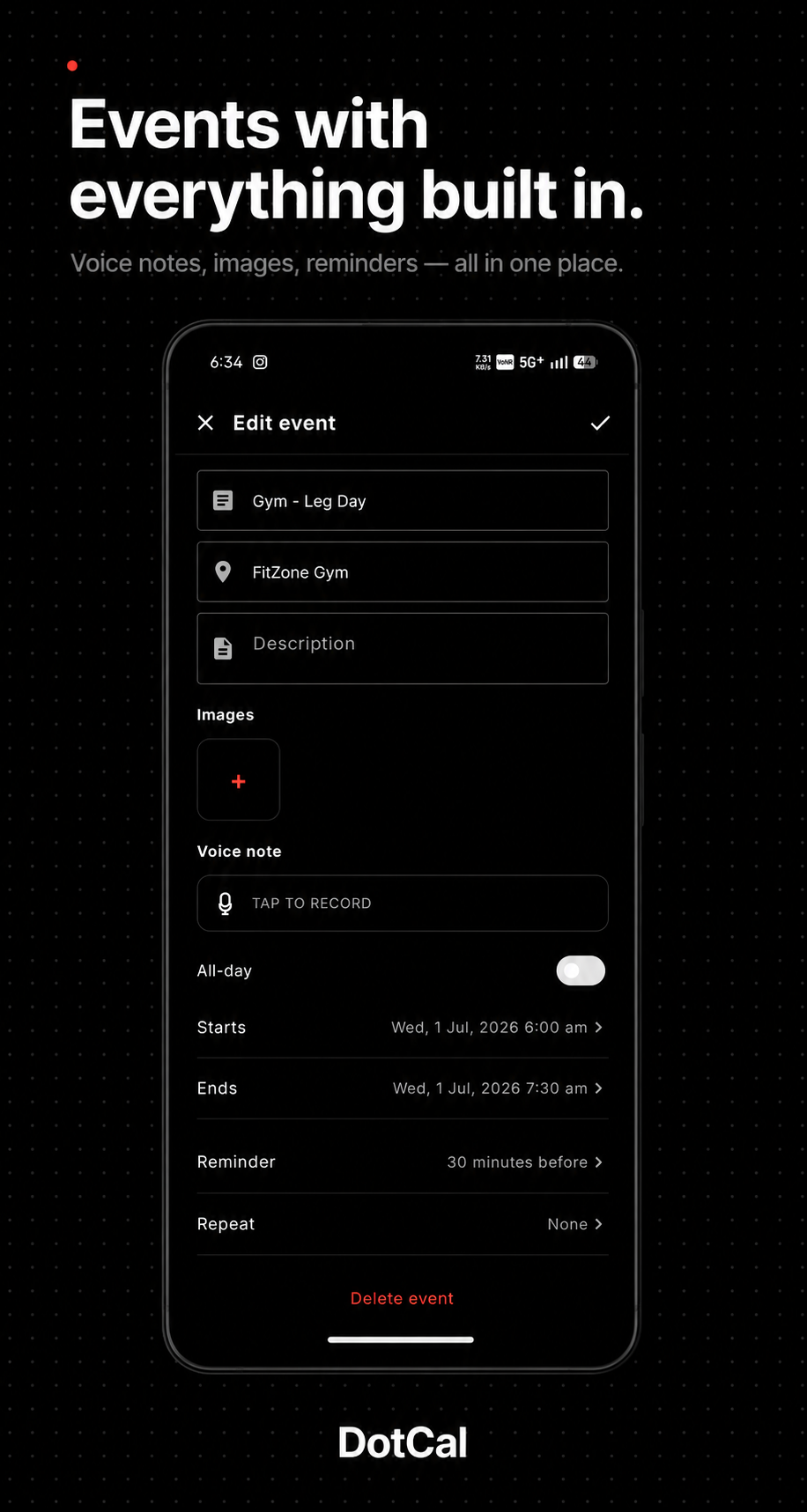
Voice Notes
Record up to 5 minutes of AAC audio per event. Saved on-device. Play back in detail view.
04
Tasks Tab
All, Today, Upcoming, Completed filters. Swipe right to complete. Repeating tasks.
05
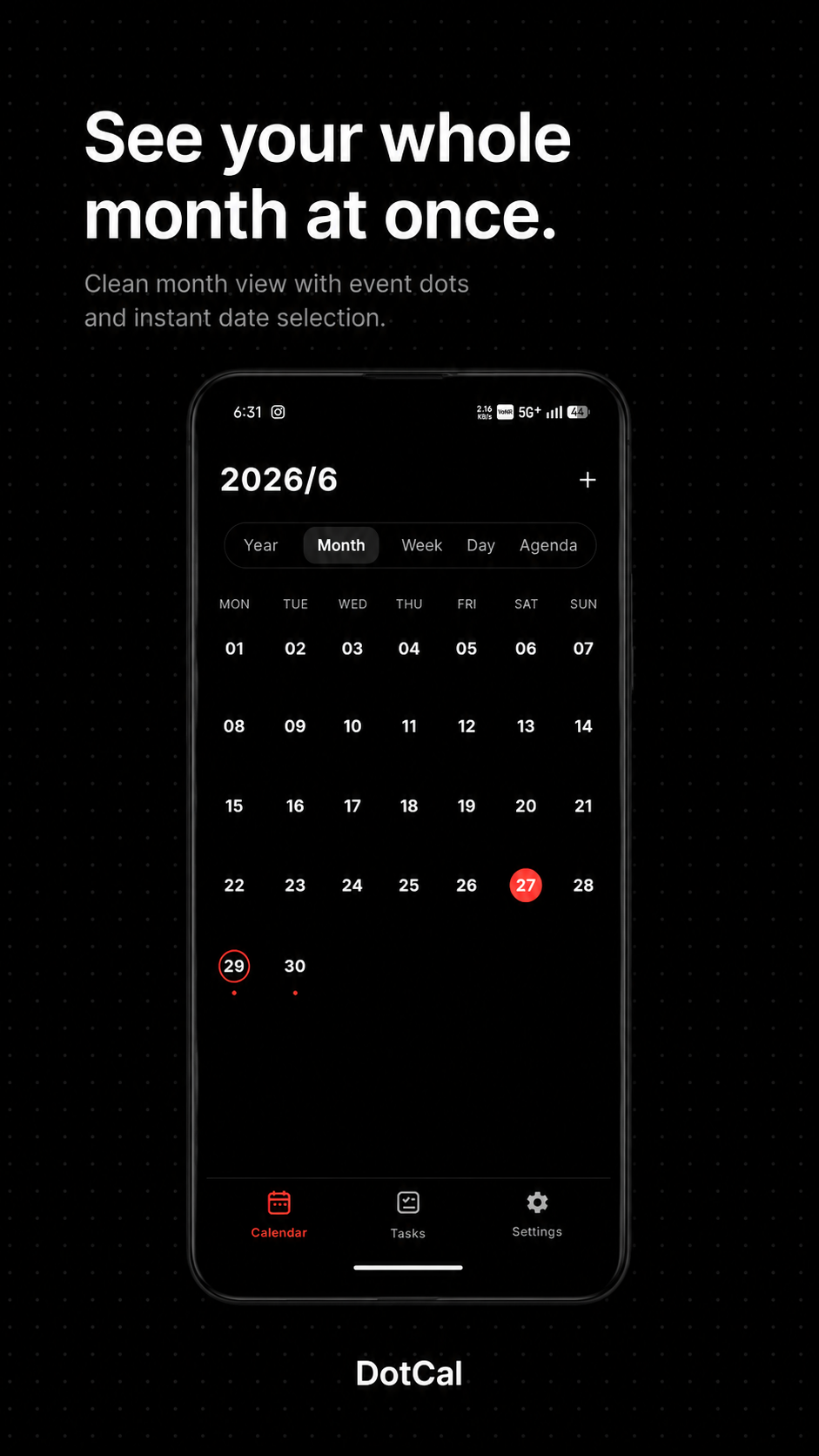
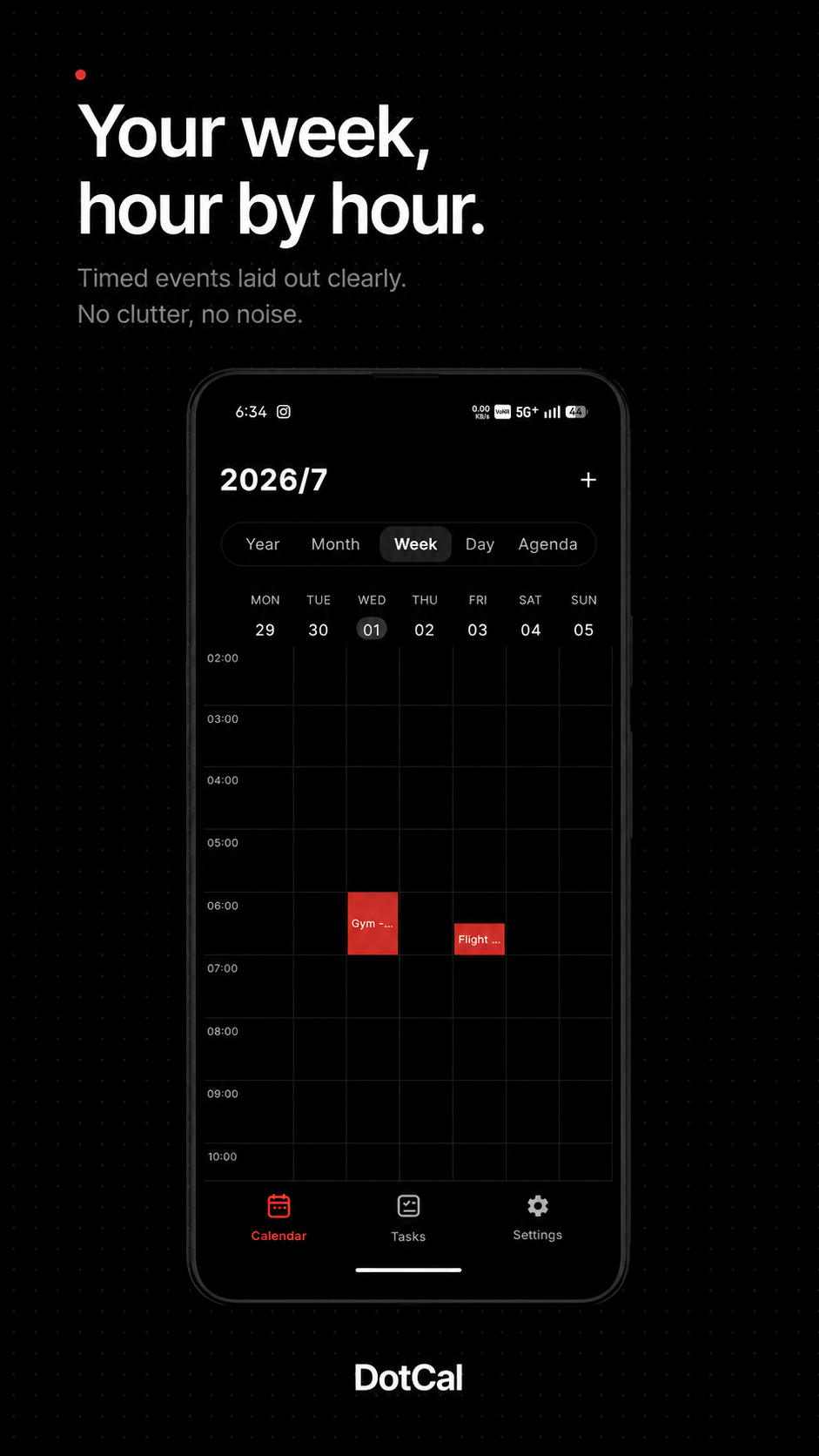
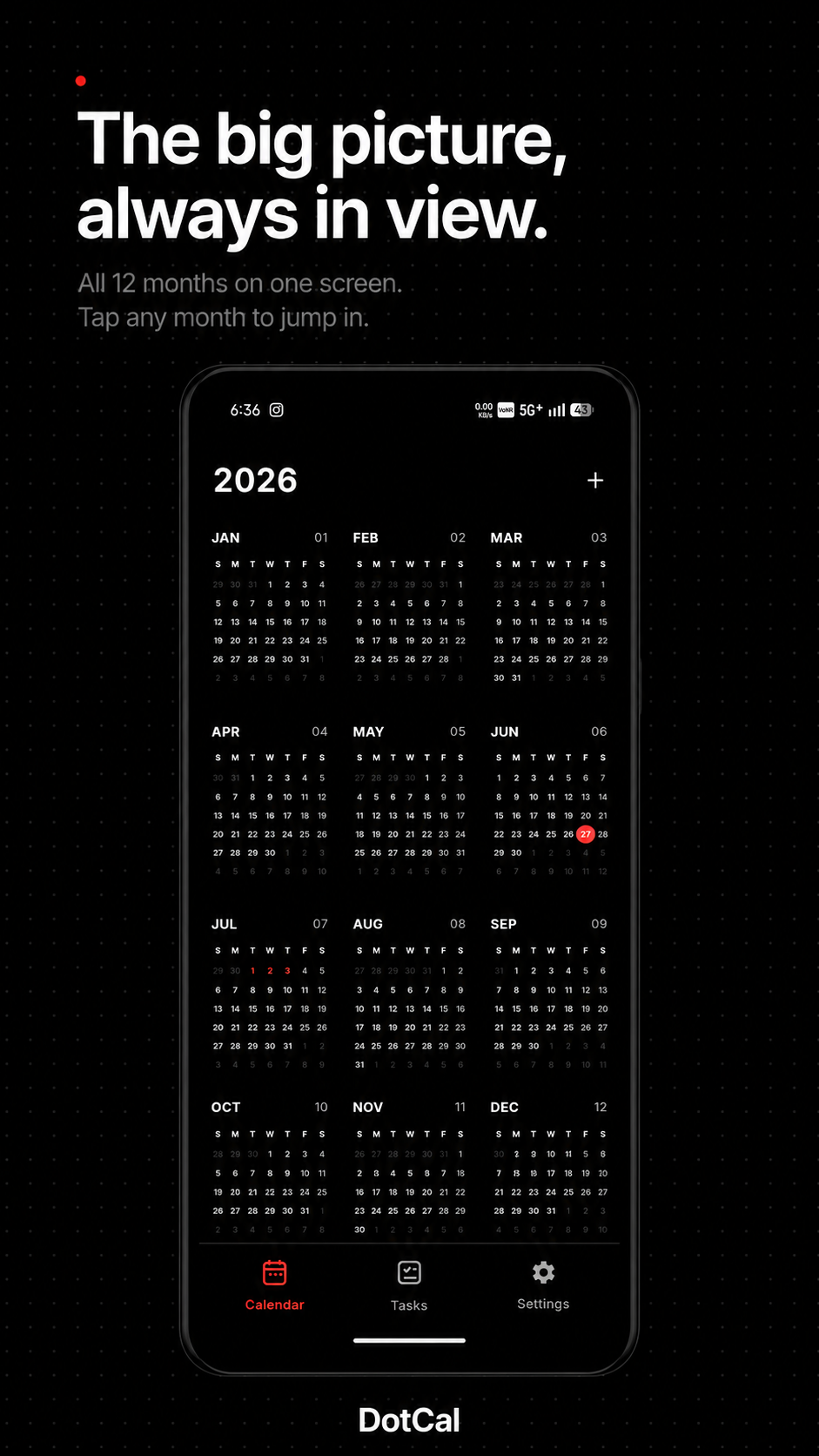
Five Calendar Views
Year, Month, Week, Day, Agenda — each with swipe navigation, today red dot, and seamless switching via the top segmented control. Hidden Three-day preserved internally.
Year · Month · Week · Day · Agenda
06
Birthday Calendar
Import from device contacts as yearly recurring events. Read-only. Toggle in Settings.
07
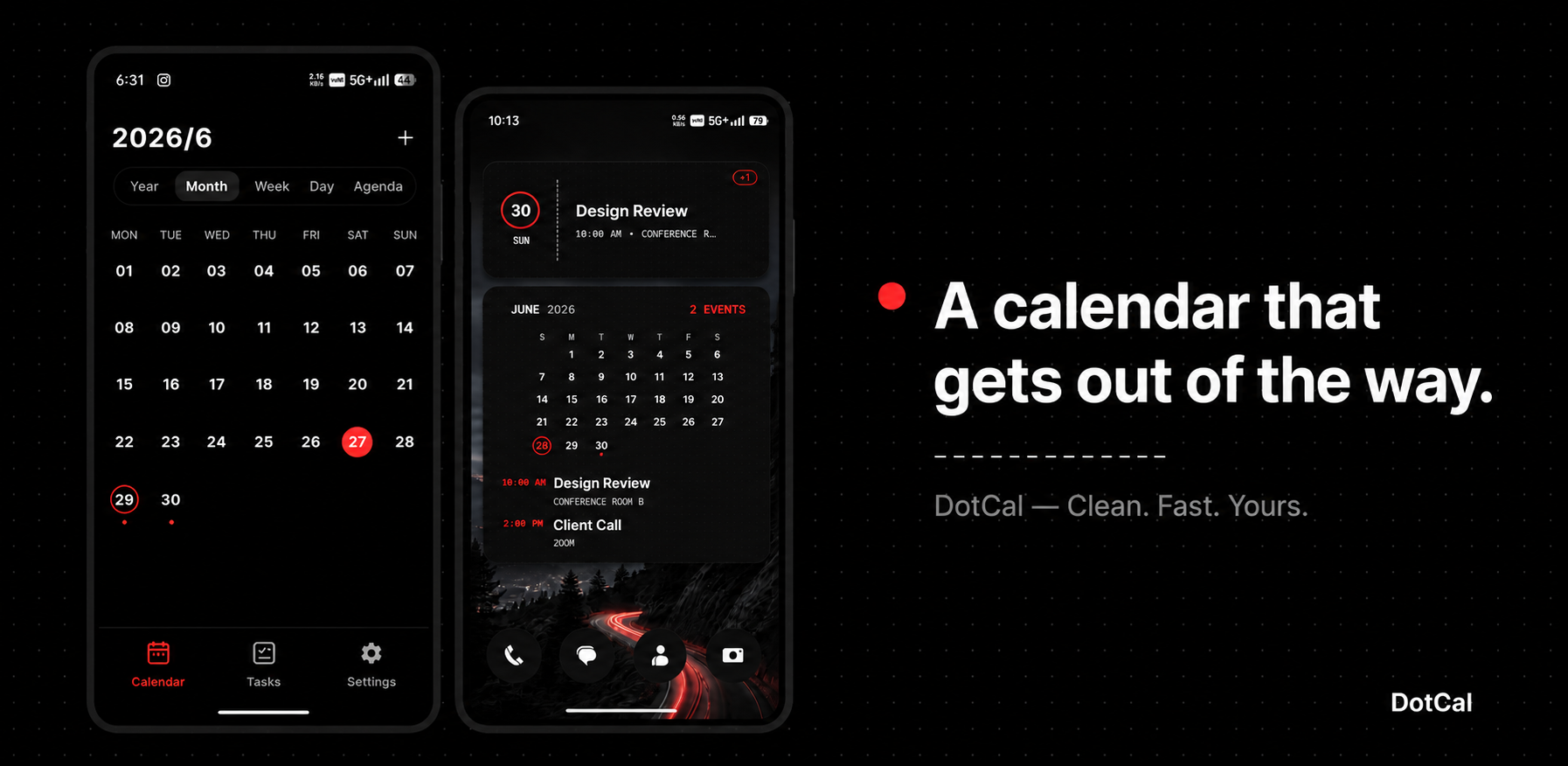
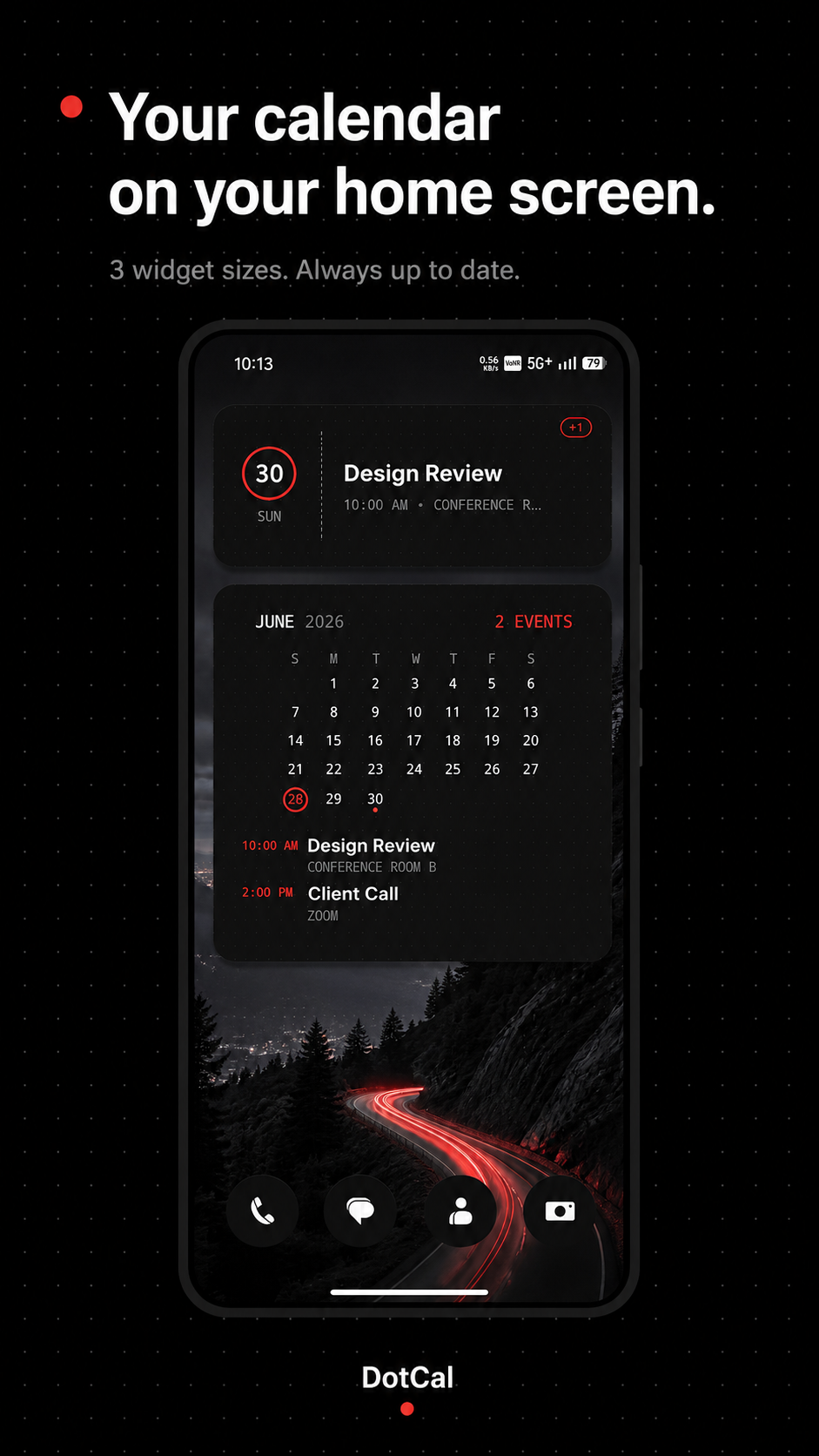
3 Widget Sizes
Small 2×2, Medium 4×2, Large 4×4. Built with Jetpack Glance. Auto-update every 15 min and instantly after any event change. Black surfaces, red accent, mono type.
Glance · Always Updated
08
Image Attachments
Up to 5 photos via Android Photo Picker. No media permission needed. Viewable in Event Detail.
09
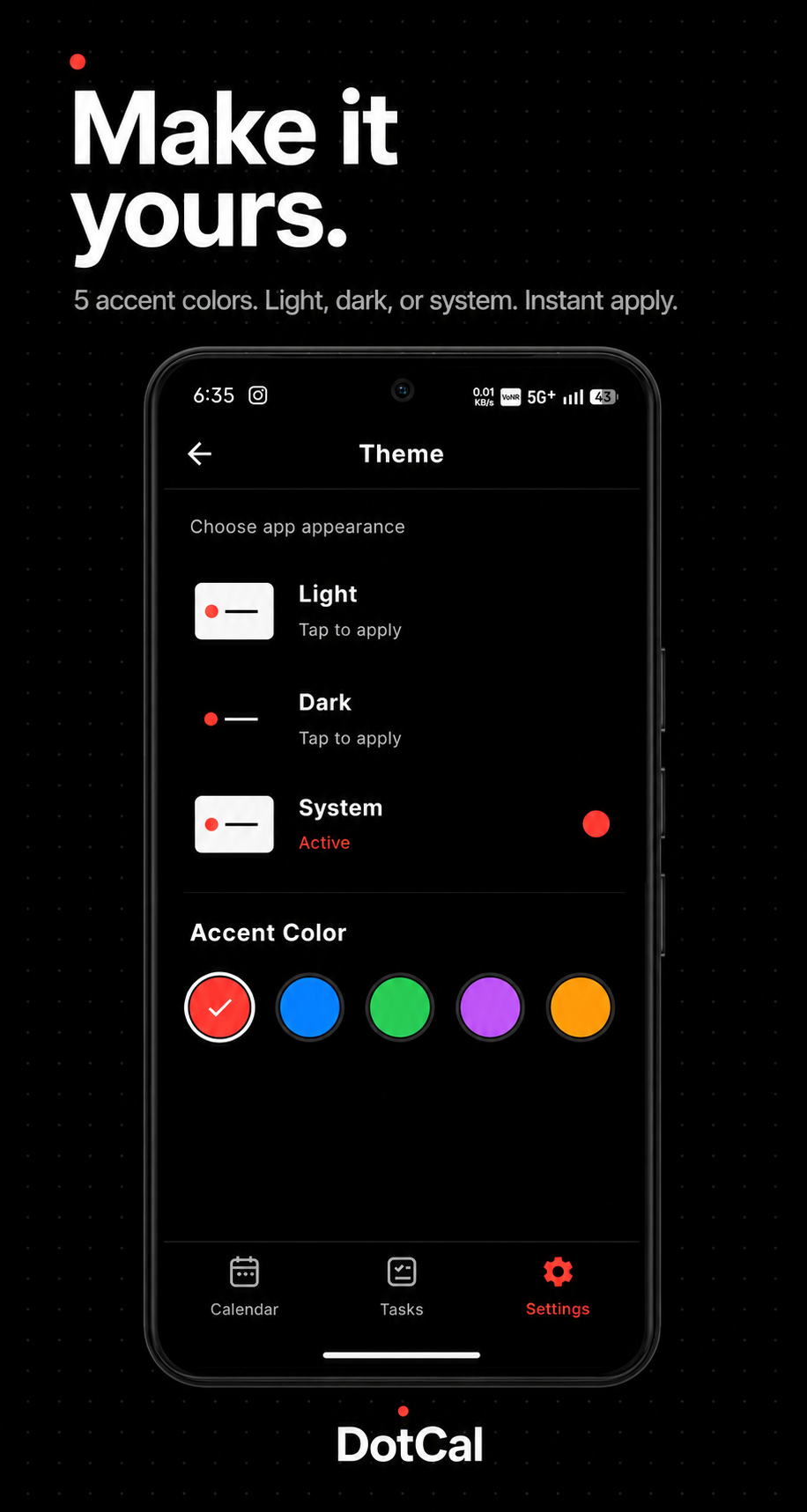
Light & Dark Themes
System, Light, Dark. Persistent. Zero flash on cold start. System bars sync to theme.
03 — Home Screen Widgets
Your schedule, always visible.
Three Jetpack Glance widgets in Nothing’s aesthetic. Black, red, mono. Tap any widget to jump into DotCal — day view, month view, or straight into an event.
2×2
Small Widget
Day name, date number, event count. Tap → Day view.
4×2
Medium Widget
Today panel + next 3 events with time & title. Tap event → Event Detail.
4×4
Large Widget
Mini month grid + today’s events up to 5. Red today circle, event dots.
04 — Roadmap
What’s coming.
Shipping features in priority order. Core calendar features stay free; DotCal Pro adds advanced tools through a one-time Google Play purchase.
Coming Soon
Print to PDF
Export any calendar view as a styled PDF. Week, month, or custom range. Keeps DotCal’s black-and-white typographic palette.
Shipped
Accent Themes
Swap the signature red for amber, teal, violet, and more. Black-and-white structure stays; only the accent dot changes.
Planned
Natural Language Events
Type "Dentist Tuesday 3pm, 45 min" and DotCal parses the event on-device. Local NLP, instant, private.
Planned
Event Templates
Save recurring event setups as templates. One-tap to pre-fill a weekly standup with all your usual defaults.
Planned
Shared Calendars
Create shared calendars with family or team via Android’s CalendarProvider. No third-party account required.
Idea
Lock Screen Widget
Android 13+ lock screen widget showing your next event and today’s count. The calendar, before you even unlock.
05 — Launch
Coming soon.
DotCal is preparing for its Google Play release. Android 11 and above. No account required to use calendar features. Pro is a one-time Google Play purchase.